
MTG Trade Binder: scan a page, share the binder, trade with players
A trade binder is the physical binder of Magic cards you bring to a shop or a meetup. MTG Trade keeps a digital copy of that binder: scan a page, store the identified cards with price estimates, and share a public link when you want to trade.
What an MTG trade binder is
In paper Magic, a trade binder is the binder you carry to trade: the cards you will swap or sell, sleeved in pages.
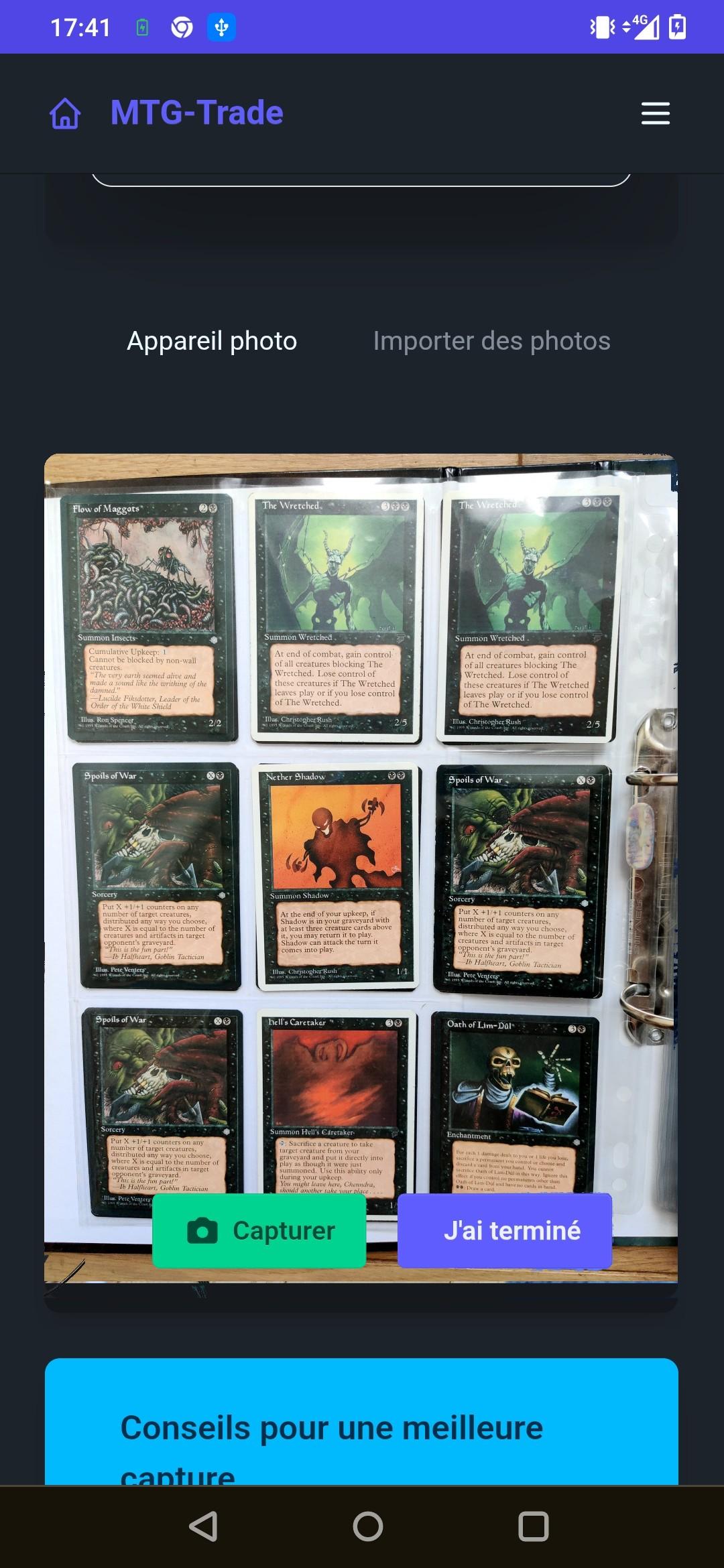
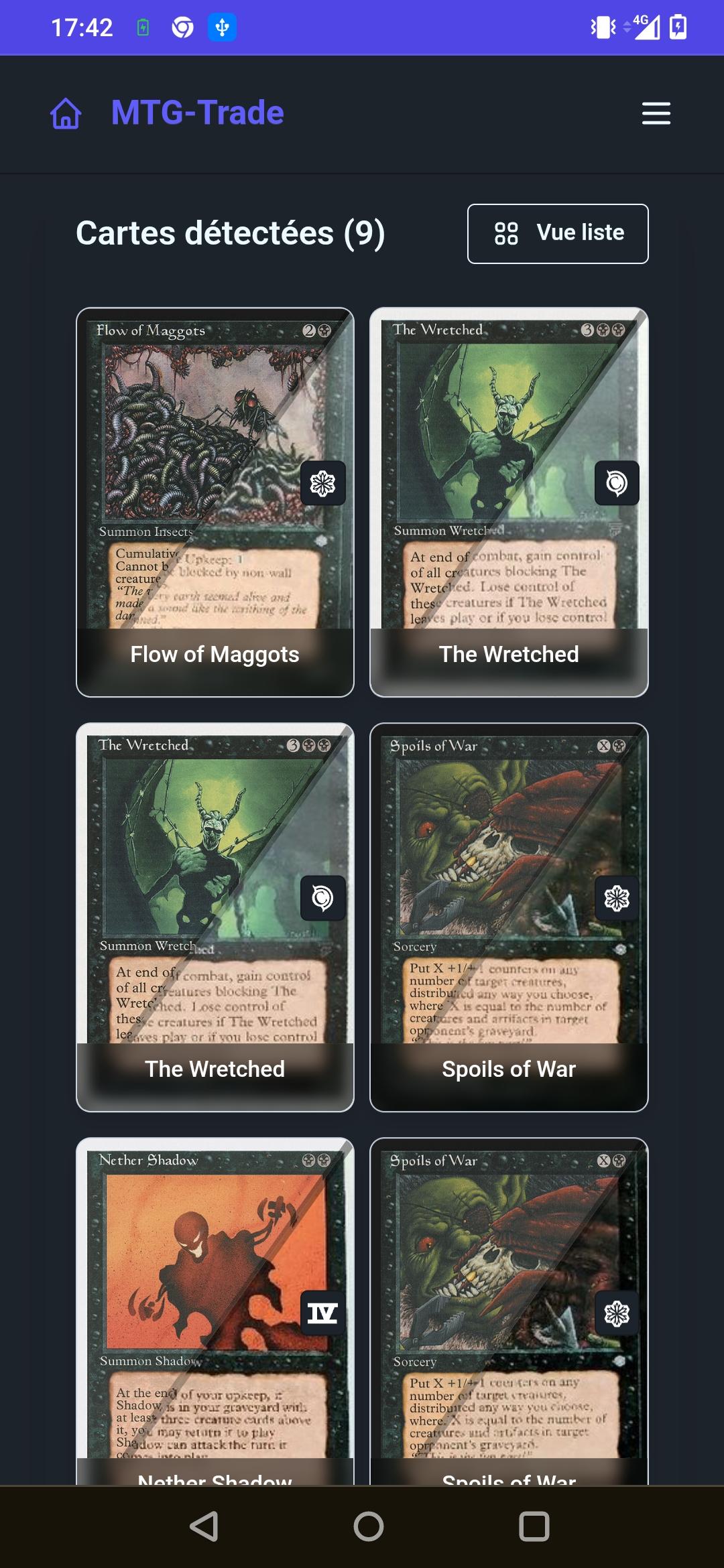
The digital trade binder on MTG Trade follows the same idea. You photograph each page, cards are identified automatically (you can correct a set if the suggestion is wrong), and they sit in a collection of binders.
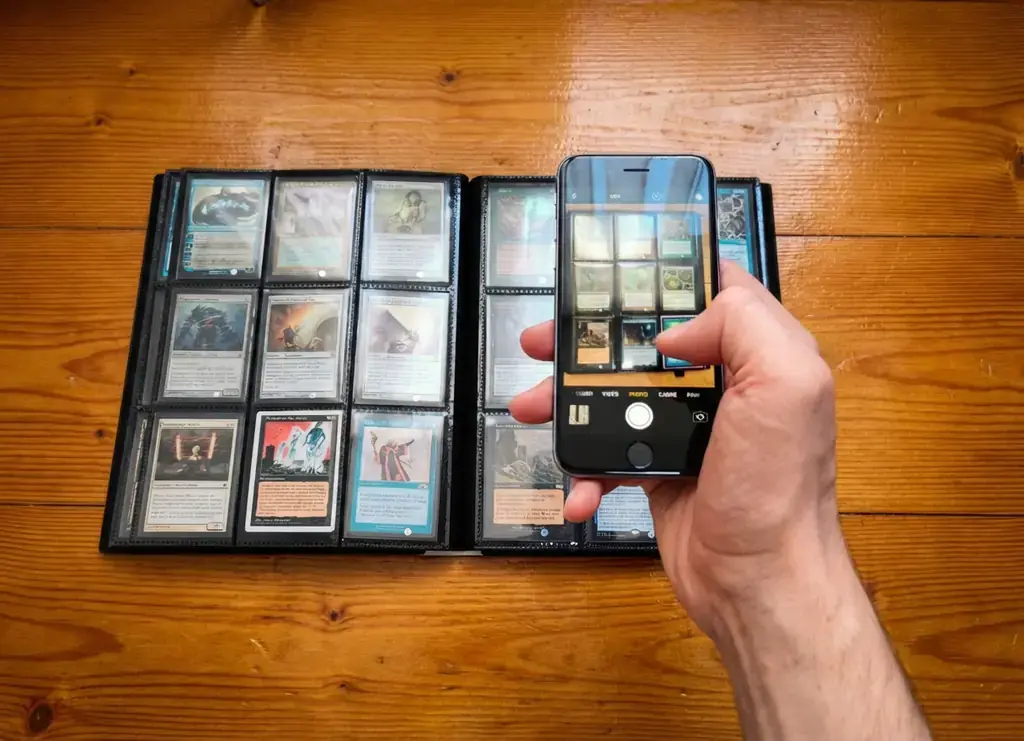
How the MTG Trade digital trade binder works
- 1
Scan
Photograph a binder page in your browser. Cards on the page are detected and named, with a suggested set.
- 2
Share
Scans go into binders in your collection. Keep a binder private, or make it public and copy its share link.
- 3
Trade
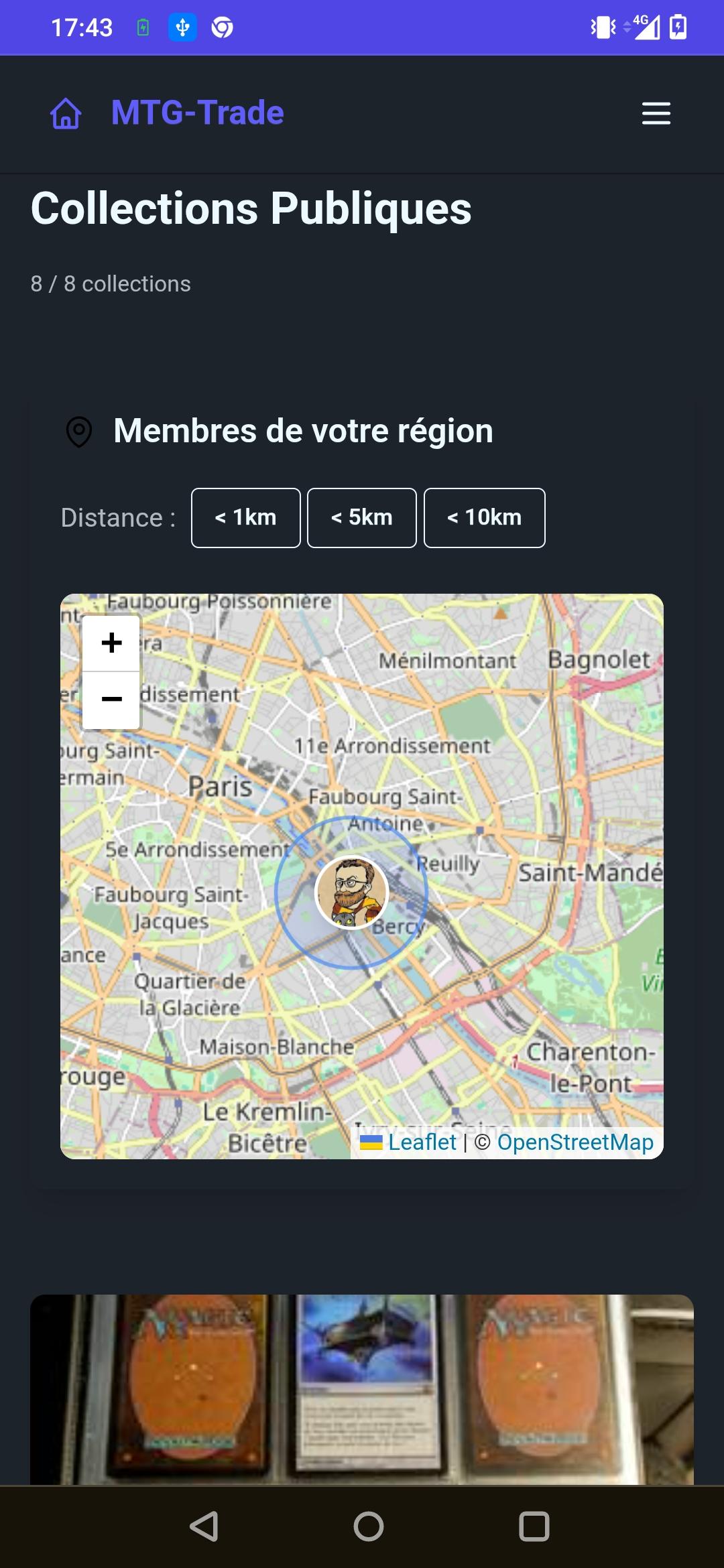
Other players browse a public binder, compare it with a wishlist, and send a trade request or a sale request. The public collections map shows members near you (positions are approximate).
What you can do with it
- Replace typing each card with a photo of the binder page.
- See price estimates from market prices published by Scryfall (Cardmarket prices in euros, or a converted US price when no euro price is available).
- Choose public or private visibility, and copy a share link for a public binder.
- Match a wishlist against public binders, then send or receive a trade request or a sale request.
- Meet nearby players from the public collections map. Handing cards over in person does not go through online payment.
MTG trade binder FAQ
What is an MTG trade binder?
It is the binder of Magic cards you bring to trade. On MTG Trade it is also the online binder built from photos of those pages.
Is the MTG trade binder free?
Scanning your cards and keeping them in a binder is free. A 4% commission applies only to sales paid online through the platform. Meeting in person to hand cards over is free.
Do I need to install an app?
No. The scanner runs in the browser on your phone or computer.
Who can see my binder?
Only you, until you make the binder public. A public binder can be opened from its share link and can appear on the public collections map.
Can I trade and sell from the same binder?
Yes. Players can send a trade request or a sale request. You choose what to accept.
Prefer to sell rather than trade? See how to sell your Magic cards to other players. Sell Magic cards